
 |  |  |  | |||||
|
|
|
|
Here are some screenshots of TaskBow taskbar replacer. Soon, we place more screenshots and descriptions here. |
TaskBow in Windows XP without visual style. Method of group opening - click in button of right side. TaskBow in Windows XP with standart blue visual style. Text in task buttons with word wrapping.  TaskBow in Windows XP with standart olive visual style. Windows task panel has size in two lines, but TaskBow uses own button size here. So, we see three lines.  TaskBow in Windows XP without visual style. Method of group opening - mouse pointer above taskbar.  TaskBow in Windows XP without visual style. Three in two lines.  TaskBow in Windows XP without visual style. Two in two lines. Light rose highlighting.  Main TaskBow window. 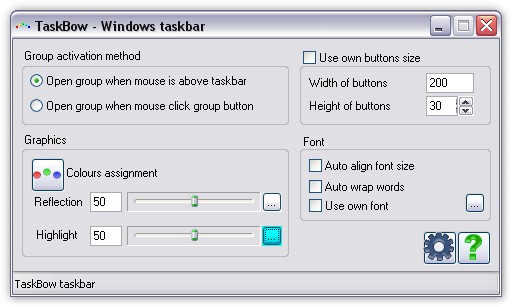 Colour setup dialog. Here you can manage list of colours assignment. 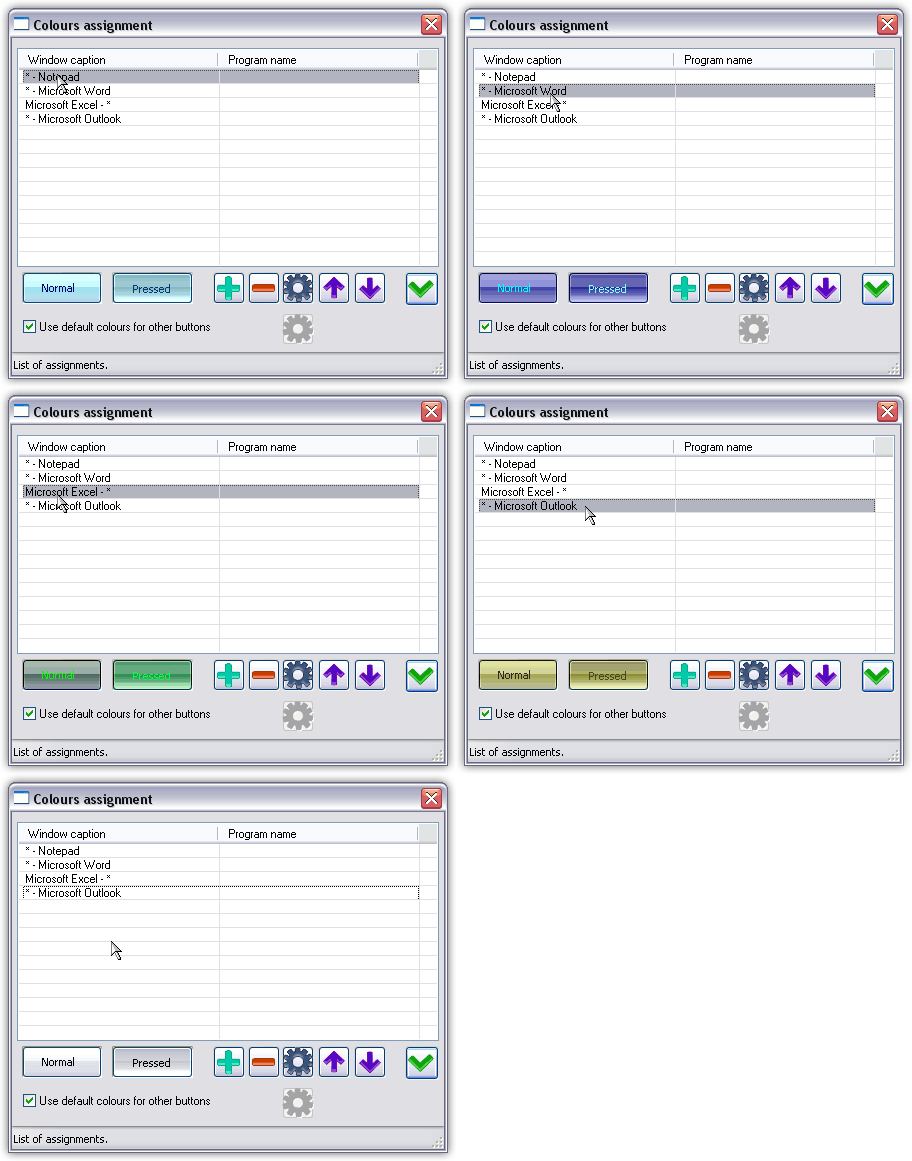 Colour setup dialog for a task. 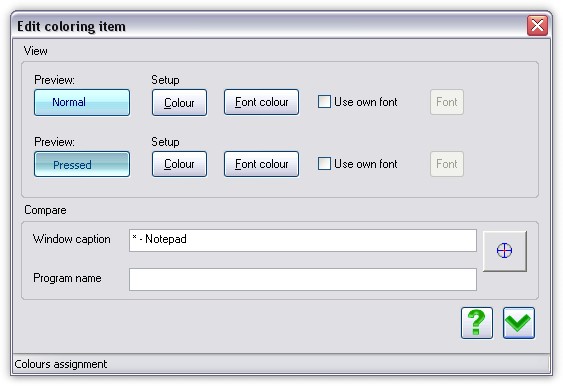 TaskBow in Windows XP with standart olive visual style. Gigantic art font. 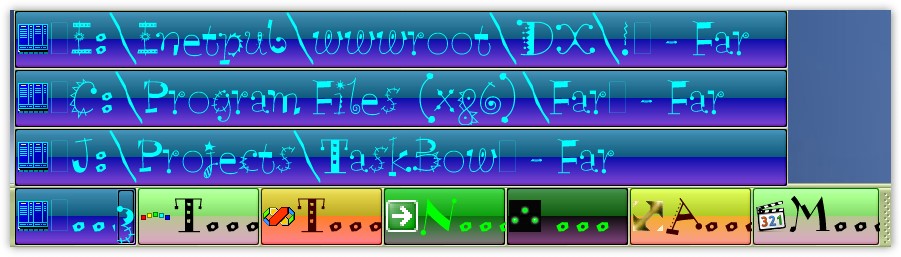 TaskBow in Windows XP without visual style. Two lines task panel. Big font and word wrapping. 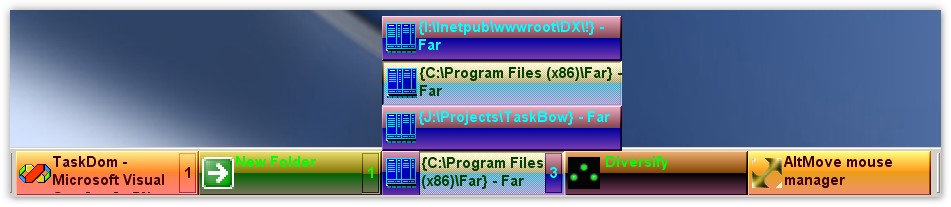 TaskBow in Windows XP with standart silver visual style. Art font.  |
| home | news | contacts | links | DigEver.com |
| © 2006-2020 DeskEx. All Rights Reserved. |